Zoom in and out in Excel
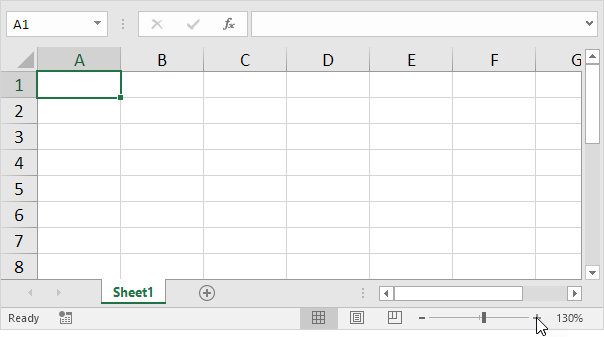
In most cases you can use the minus and plus symbols in the status bar to quickly zoom the document. Use the buttons on the View tab to zoom to a specific percentage and to zoom to a selection.
1. To quickly zoom the document use the minus and plus symbols in the status bar.
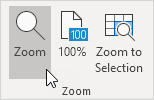
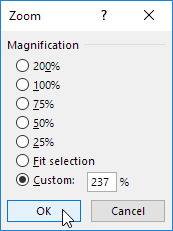
To zoom to a specific percentage execute the following steps.
2. On the View tab in the Zoom group click Zoom.
3. Enter a number (between 10 and 400) and click OK.
To zoom to a selection execute the following steps.
4. First select a range of cells.
5. On the View tab in the Zoom group click Zoom to Selection.

Written by
Jason Howie
Founder, FormulasHQ
A formula nerd with a passion for numbers and equations. Writes about Excel, Google Sheets, VBA, regex, and Salesforce formulas — for people who spend their day in spreadsheets.