How to use ExcelOctober 8, 2024
View Multiple Workbooks in Excel
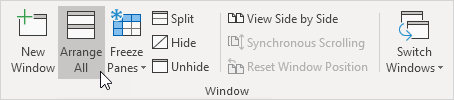
If you want to view multiple Excel workbooks at the same time execute the following steps.
1. First open two or more workbooks.
2. On the View tab in the Window group click Arrange All.
3. Select the desired arrange setting. For example click Horizontal.
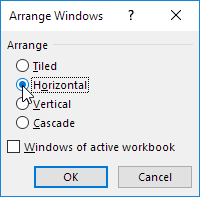
4. Click OK.
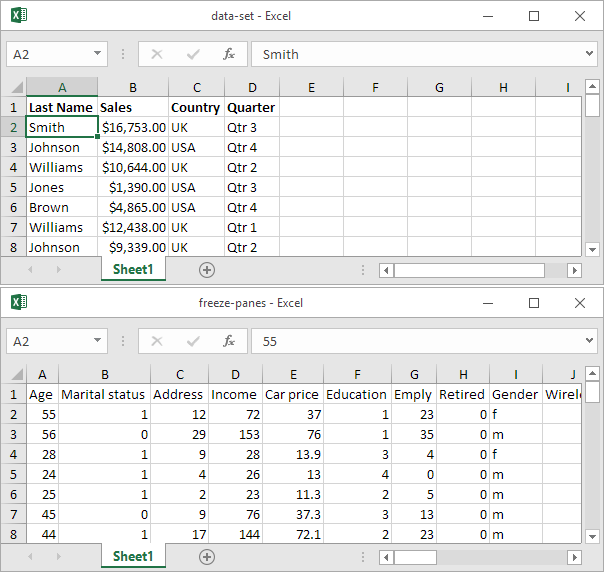
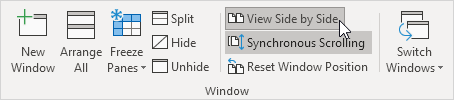
5. On the View tab in the Window group click View Side by Side (by default Synchronous Scrolling is activated) to scroll both workbooks at the same time.
Written by
Jason Howie
Founder, FormulasHQ
A formula nerd with a passion for numbers and equations. Writes about Excel, Google Sheets, VBA, regex, and Salesforce formulas — for people who spend their day in spreadsheets.