How to use ExcelOctober 9, 2024
Center on Page in Excel
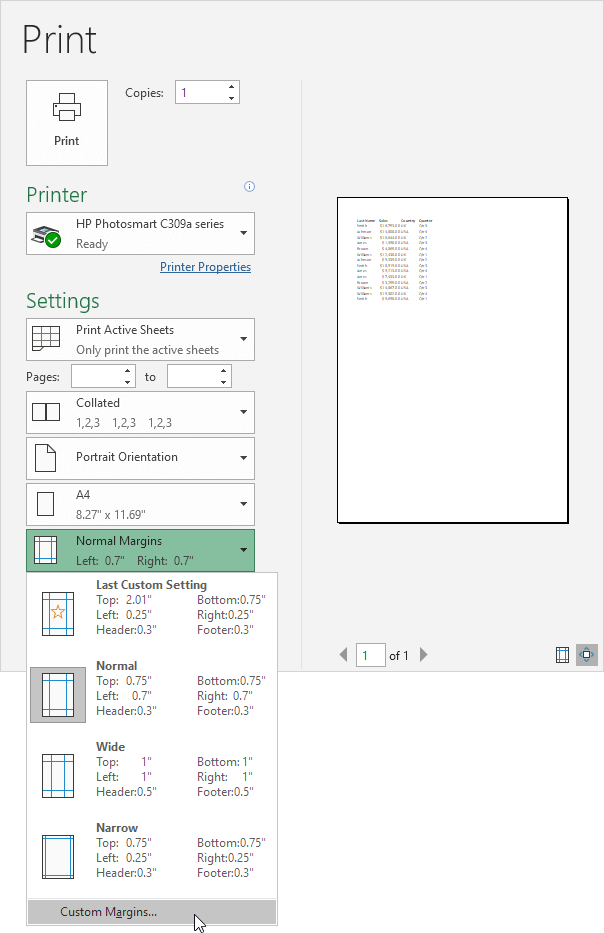
To center a range of cells on a printed page in Excel automatically execute the following steps.
1. On the File tab click Print.
2. Click 'Custom Margins' from the Margins drop-down list.
3. Next check Horizontally and Vertically.
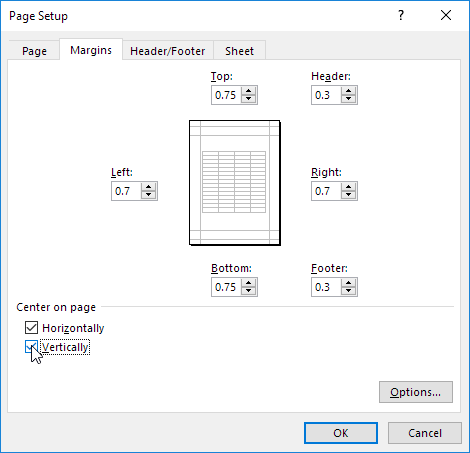
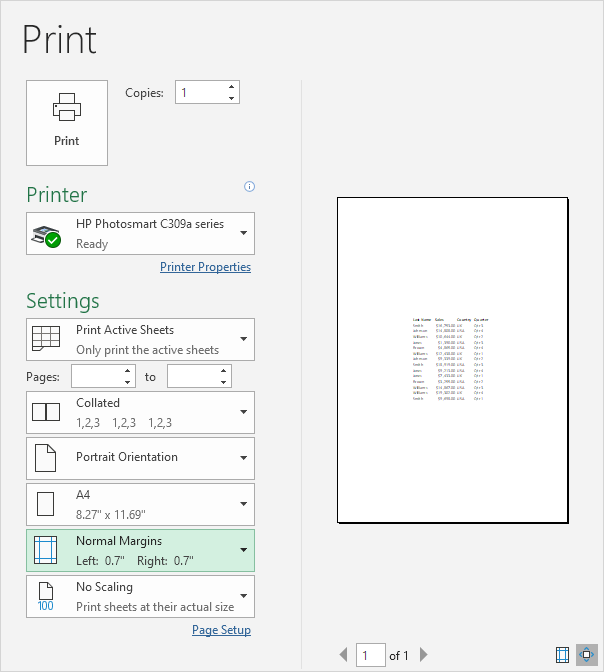
4. Click OK.
Written by
Jason Howie
Founder, FormulasHQ
A formula nerd with a passion for numbers and equations. Writes about Excel, Google Sheets, VBA, regex, and Salesforce formulas — for people who spend their day in spreadsheets.