InputBox Function in Excel VBA
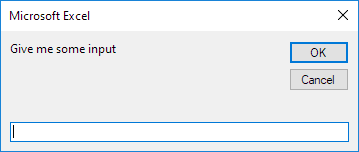
You can use the InputBox function in Excel VBA to prompt the user to enter a value. Place a command button on your worksheet and add the following code lines:
1. First declare the variable myValue of type Variant.
Dim myValue As VariantNote: we use a variable of type Variant here because a Variant variable can hold any type of value. This way the user can enter text numbers etc.
2. Add the following code line to show the input box.
myValue = InputBox("Give me some input")
3. Write the value of myValue to cell A1.
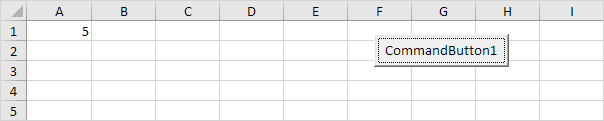
Range("A1").Value = myValueResult when the user enters the value 5 and clicks the OK button.
4. The InputBox function has more optional arguments. The following code line shows an input box with a title displayed in the title bar and has a default value. The default value will be used if no other input is provided.
myValue = InputBox("Give me some input" "Hi" 1)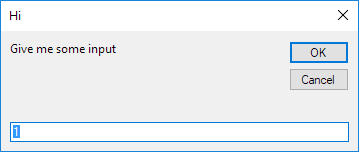
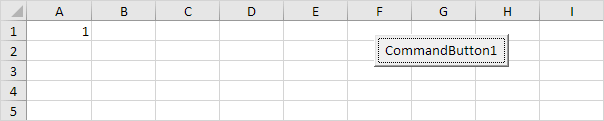
Result when the user only clicks the OK button.
Note: Place your cursor on InputBox in the Visual Basic Editor and click F1 for help on the other optional arguments.
Written by
Jason Howie
Founder, FormulasHQ
A formula nerd with a passion for numbers and equations. Writes about Excel, Google Sheets, VBA, regex, and Salesforce formulas — for people who spend their day in spreadsheets.