How to use ExcelOctober 10, 2024
Fibonacci Sequence in Excel
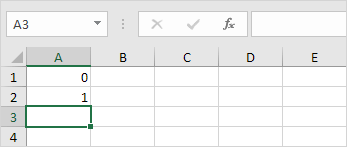
It's easy to create all sorts of sequences in Excel. For example the Fibonacci sequence.
1. The first two numbers in the Fibonacci sequence are 0 and 1.
2. Each subsequent number can be found by adding up the two previous numbers.
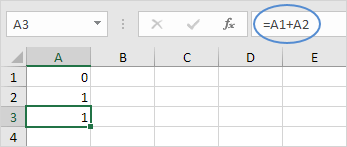
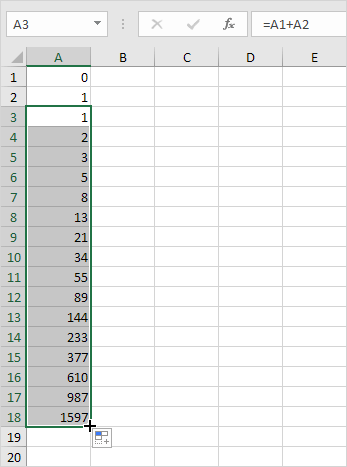
3. Click on the lower right corner of cell A3 and drag it down.
Result: the Fibonacci Sequence in Excel.
Written by
Jason Howie
Founder, FormulasHQ
A formula nerd with a passion for numbers and equations. Writes about Excel, Google Sheets, VBA, regex, and Salesforce formulas — for people who spend their day in spreadsheets.